
CurricuLLM LogoCurricuLLM
SchoolsFeaturesPricingTraining HubDevelopersFAQ
15. Integration
Training Hub15. Integration

15. Integration

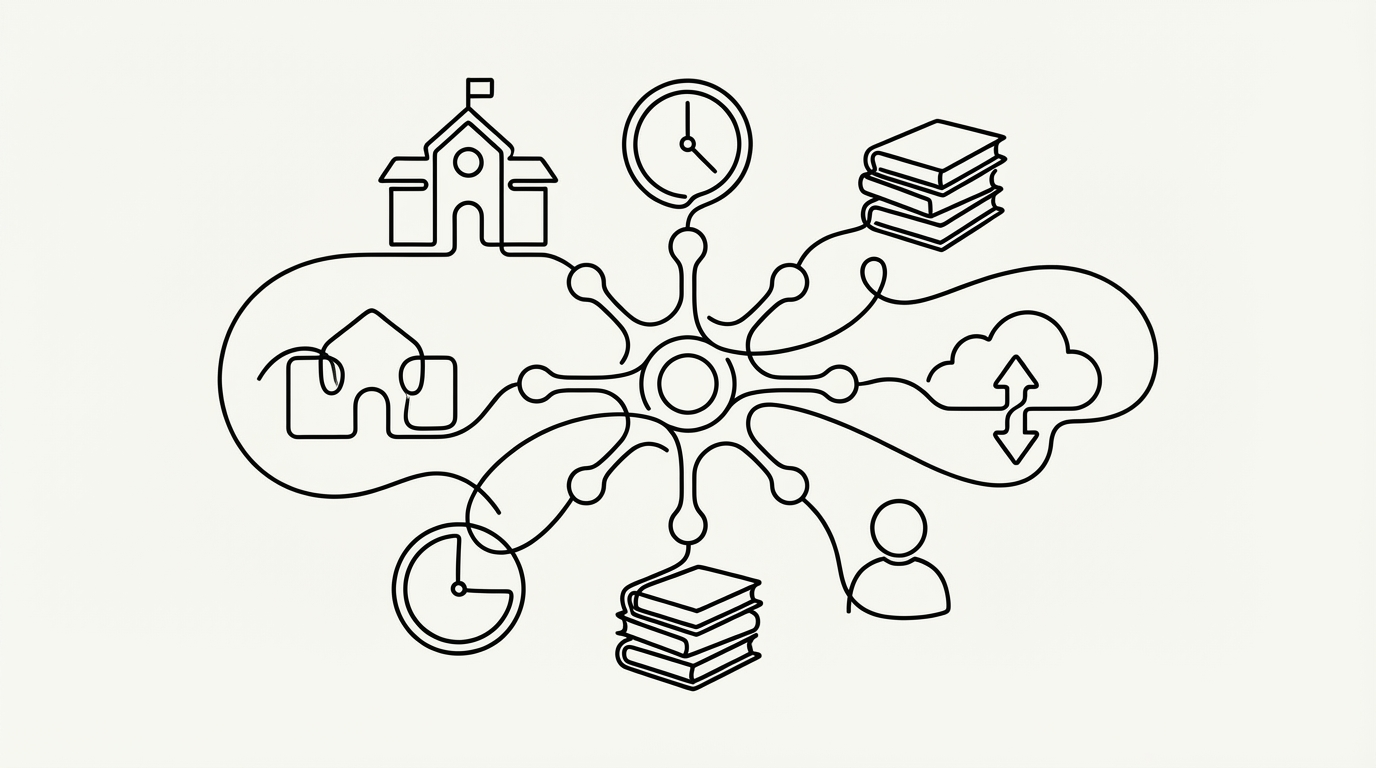
This section covers how to connect CurricuLLM with your school's existing systems. Learn how to set up LMS integration using LTI 1.3 for Canvas, configure SAML-based single sign-on (SSO) so staff and students can log in with their existing school credentials, sync students, teachers, and classes automatically from your Student Information System (SIS) using LISS or OneRoster, and extend CurricuLLM's capabilities by connecting external tools and data sources through Connected Services.

In This Section

15.1 LMS Configuration Guide (LTI 1.3) - Canvas

15.1 LMS Configuration Guide (LTI 1.3) - Canvas

How to install and configure CurricuLLM in your Canvas LMS environment using LTI 1.3.

15.2 SAML Onboarding Guide

15.2 SAML Onboarding Guide

How to configure SAML authentication for single sign-on (SSO) between your school's identity provider and CurricuLLM.

15.3 SIS Integration (LISS)

15.3 SIS Integration (LISS)

How to connect your Student Information System to CurricuLLM using the LISS protocol to automatically sync students, teachers, and classes.

15.4 SIS Integration (OneRoster)

15.4 SIS Integration (OneRoster)

How to connect your Student Information System to CurricuLLM using the OneRoster standard to automatically sync students, teachers, and classes.

15.5 Connected Services (MCP)

15.5 Connected Services (MCP)

How administrators can connect external tools and data sources to CurricuLLM using the Model Context Protocol (MCP) open standard, and how teachers can enable them in their conversations.

Back to Training Hub

Previous Section

14. Live Mode

CurricuLLM Logo
CurricuLLM

AI for schools

Product

FeaturesPricingUse CasesSchoolsDevelopersFAQ

Resources

Training hubSupportBlogResearchEvidenceEventsPress

Company

About usTrust & SafetyPrivacy policyTerms of useStatusContact